Image Styles
Requirements
This section assumes that you have already added colors to your server. If you haven't done so yet, please refer to the Adding Colors section first.
Color-Chan can render your color list image in different visual styles. Use the /image style command to preview them and pick the one you like.
Previewing styles
Use the /image style command to open a preview of the color list styles. Use the Previous and Next buttons to cycle through the available styles.
Applying a style
Press Apply on the preview to set the currently previewed style as the one Color-Chan uses whenever it generates your color list image, such as with the /color list command.
Available styles
Free styles
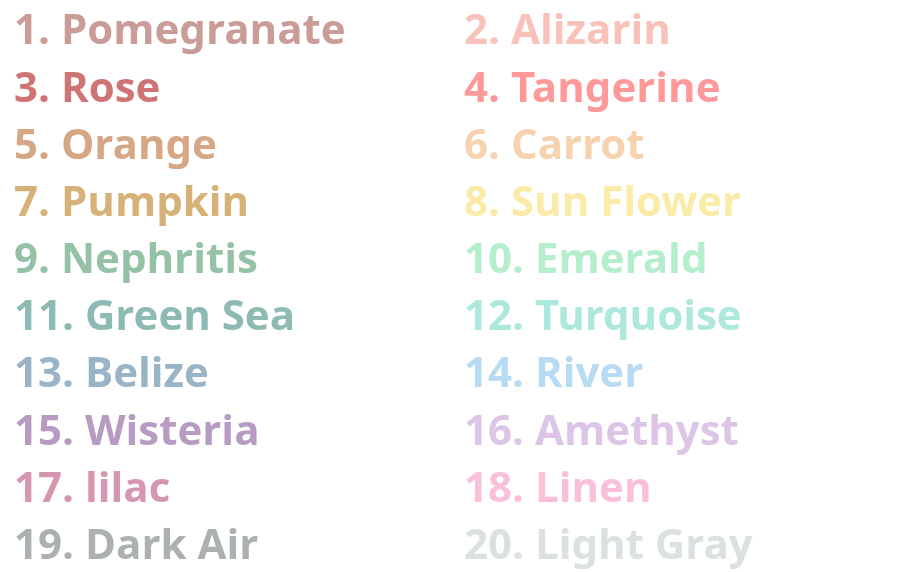
The Default style
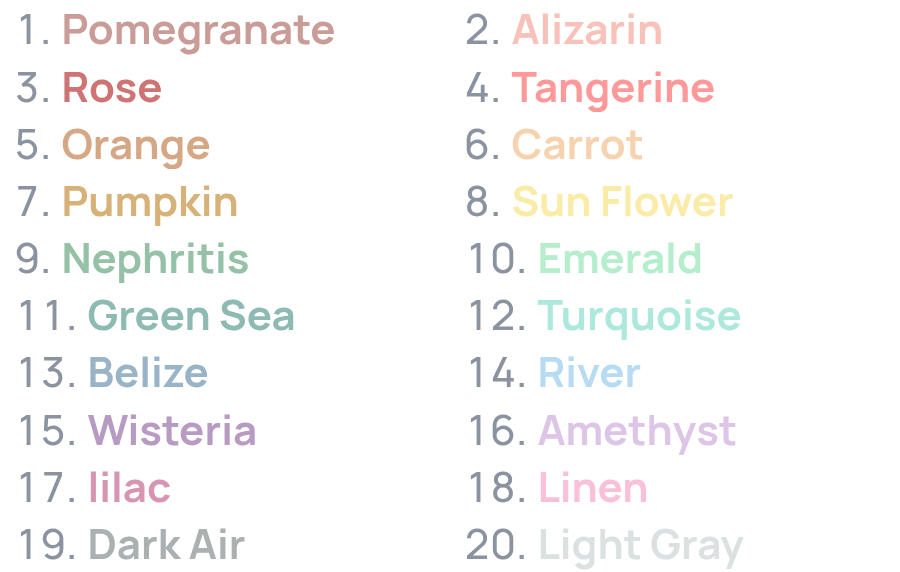
The Refined Minimal style
Premium styles
Requirements
These styles require Color-Chan Premium.
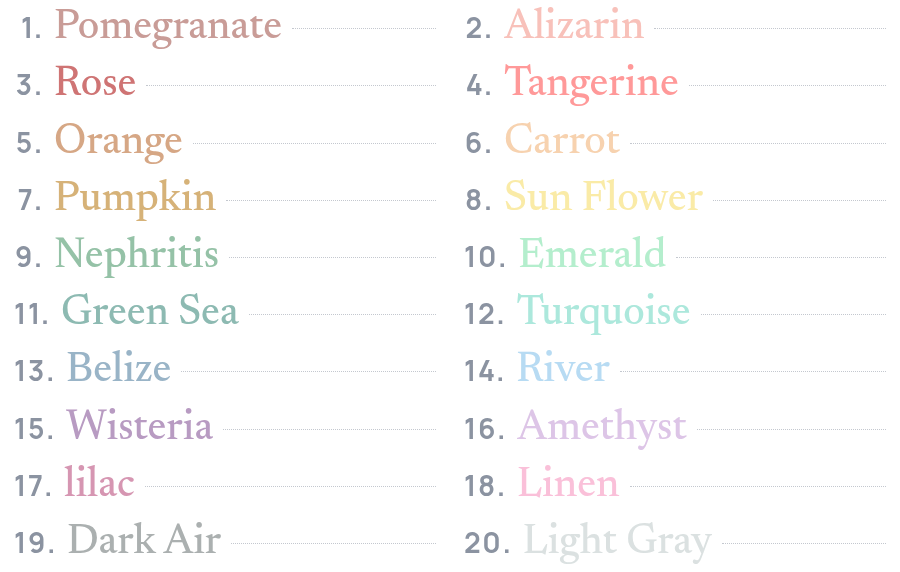
The Editorial style
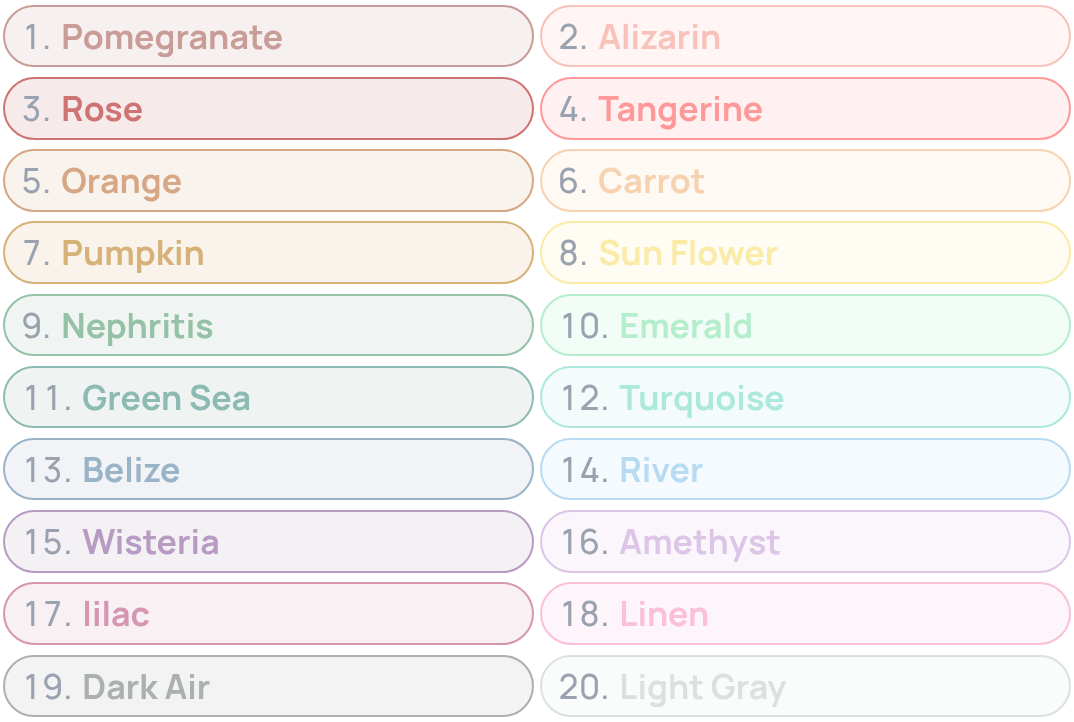
The Role Pills style
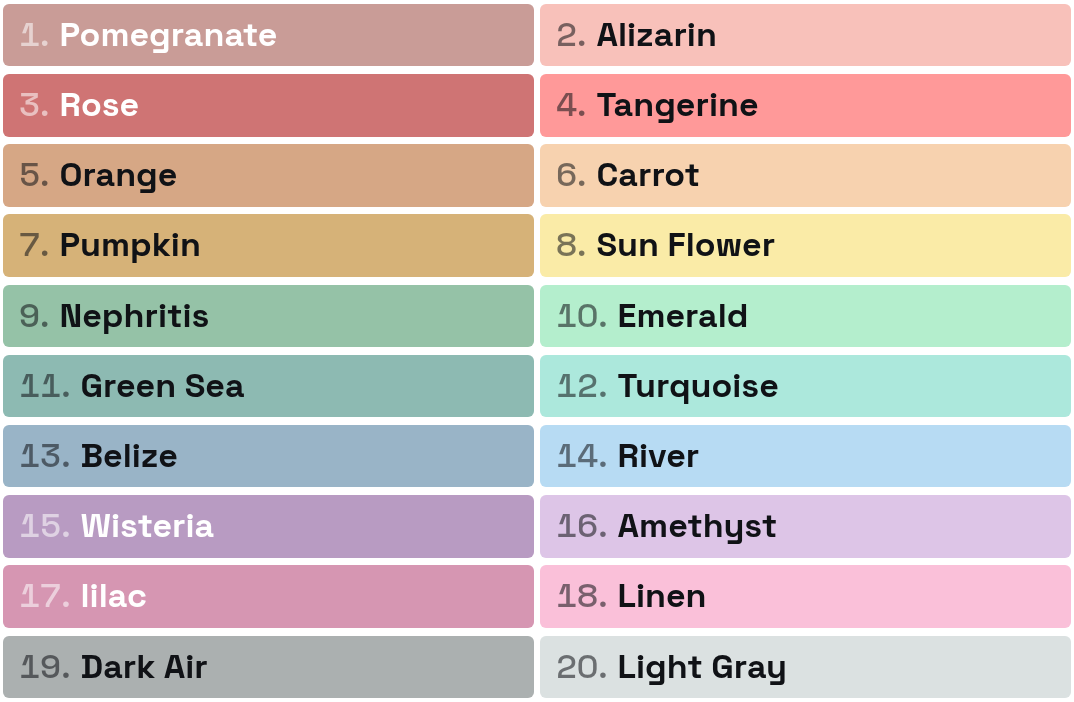
The Swatch Poster style
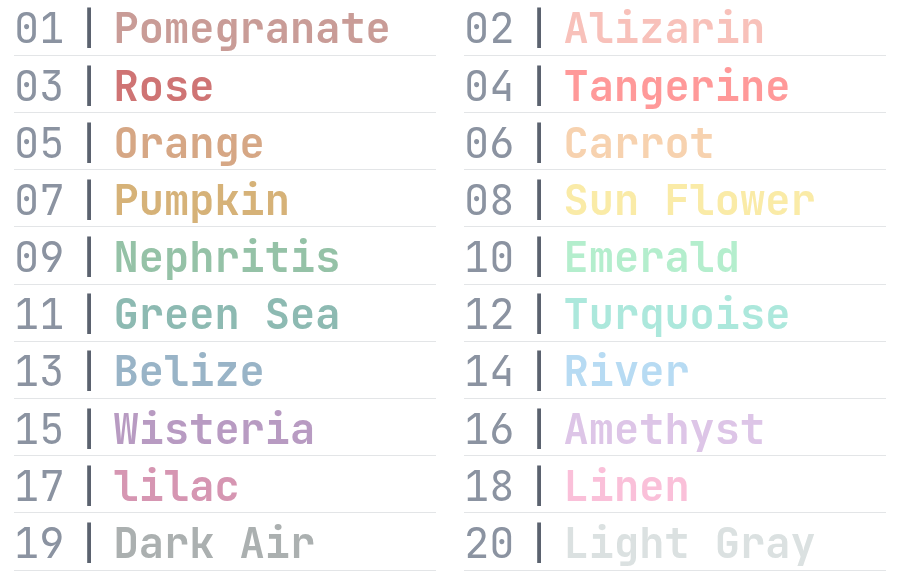
The Terminal style