Assigning colors
Requirements
This section assumes that you have already added colors to your server. If you haven't done so yet, please refer to the Adding Colors section first.
Set color command
Users can assign their own color roles by using the /set color command. Or admins or color managers can assign colors to other users using the /set members color @user command.
When using the /set color command, users can either provide the name or number of the color they want to assign.

Setting your own color using the /set color command
Reaction color lists
Users can also assign their own color roles by clicking on the buttons in a reaction color list.
Reaction color lists can be created by using the /add reaction colors or /add reaction color commands.
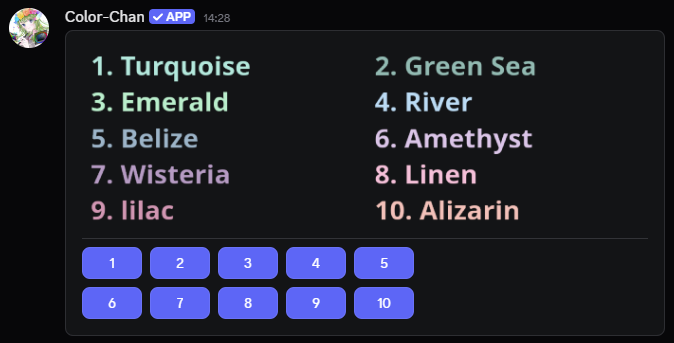
Example reaction list